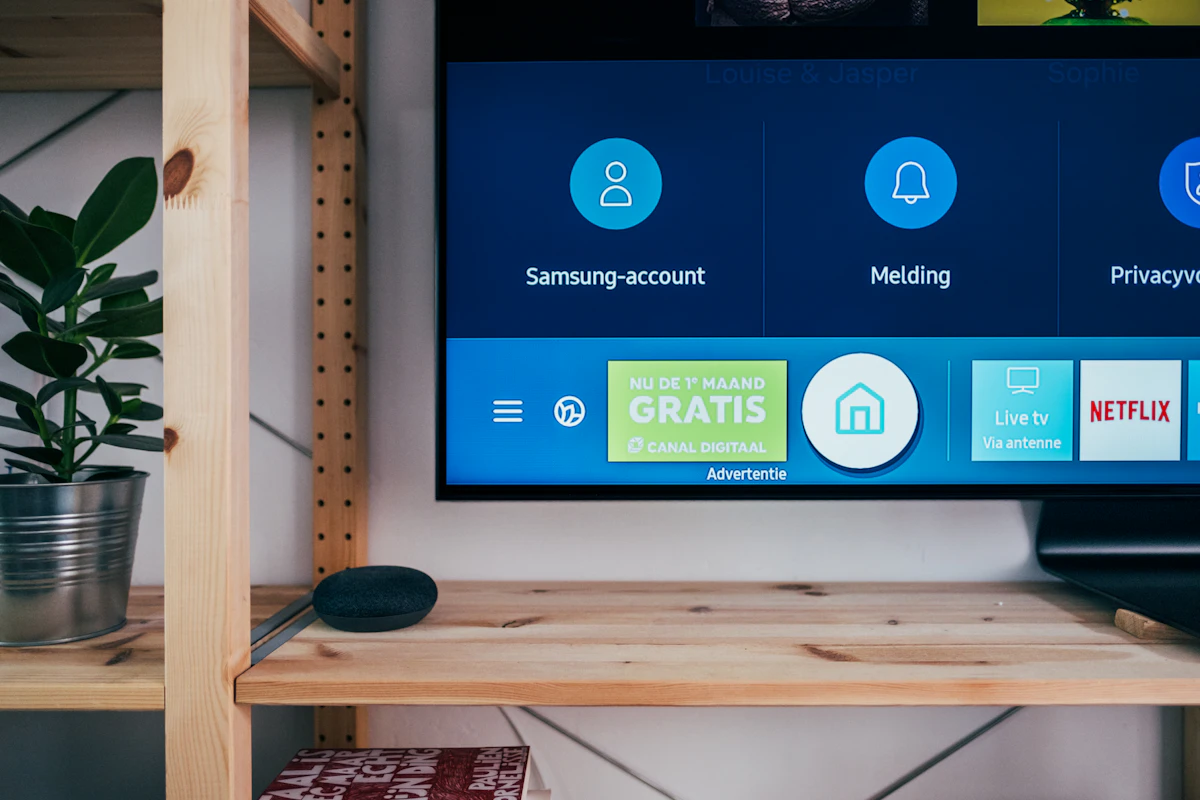
There is nothing quite as frustrating as sitting down to watch your favorite sports team or the finale of a hit series, only to be met with endless buffering or degraded picture quality. When you subscribe to a premium streaming service like Krooz TV, you gain access to a massive library of 4K content and live events. However, the quality of your stream is heavily dependent on the stability and speed of your home internet connection.
In this guide, we will walk you through the essential steps to optimize your network, ensuring you experience the true power of Krooz TV without interruptions.
1. Ensure You Meet the Speed Requirements
The very first step is making sure your internet service plan provides enough bandwidth. Streaming video—especially 4K—consumes a significant amount of data. Here are the baseline requirements for a smooth experience:
- Standard Definition (SD): Minimum 3 Mbps
- High Definition (HD/1080p): Minimum 15 Mbps
- Ultra High Definition (4K): Minimum 30+ Mbps
If you have multiple people in your household streaming, gaming, or downloading simultaneously, you will need a higher bandwidth plan. For households with multiple smart devices, we recommend a baseline of 100 Mbps or higher.
2. Switch to a Wired (Ethernet) Connection
While modern Wi-Fi is incredibly convenient, it is highly susceptible to interference from walls, microwaves, bluetooth devices, and neighboring networks. Wi-Fi signals can fluctuate, which is the primary cause of sudden resolution drops and buffering.
For the ultimate, rock-solid Krooz TV experience, connect your Smart TV, Android Box, or Apple TV directly to your router using a Cat6 Ethernet cable. A wired connection guarantees consistent speed, ultra-low latency, and zero signal interference.
3. Optimize Your Wi-Fi Setup
If running an Ethernet cable isn't an option, you need to ensure your Wi-Fi is performing at its absolute best:
- Use the 5GHz Band: Most modern routers offer both 2.4GHz and 5GHz bands. The 2.4GHz band has a longer range but is slower and more crowded. The 5GHz band is significantly faster and less prone to interference. Always connect your streaming device to the 5GHz network.
- Router Placement: Keep your router out in the open. Do not hide it in a cabinet, behind a TV, or in the basement. Place it in a central, elevated location.
- Upgrade to a Mesh Network: If your home is large and has dead zones, consider upgrading from a single router to a Mesh Wi-Fi system (like Google Nest Wi-Fi or Eero) to provide seamless, high-speed coverage to every room.
4. Upgrade Your Streaming Hardware
Sometimes the bottleneck isn't your internet—it's the device you are using to stream. Older Smart TVs often have notoriously weak internal Wi-Fi antennas and underpowered processors that struggle to decode 4K video feeds.
If your internet speed is high but you are still experiencing lag, consider upgrading to a dedicated streaming device. The latest Amazon Fire TV Stick 4K Max, Apple TV 4K, or NVIDIA Shield TV have advanced processors and Wi-Fi 6 support, allowing them to handle the massive channel lists and high-bitrate streams provided by Krooz TV effortlessly.
5. Check for ISP Throttling
Internet Service Providers (ISPs) are known to intentionally slow down (throttle) your internet speed when they detect high-bandwidth activities like video streaming. If your internet speed test looks great, but your video keeps buffering, you might be a victim of ISP throttling.
The solution? A VPN. By using a Virtual Private Network, you encrypt your internet traffic. Your ISP will not be able to see that you are streaming video, preventing them from selectively throttling your connection. This pairs perfectly with a Krooz TV subscription for a seamless experience.
Conclusion
By following these optimization steps—utilizing ethernet cables, switching to 5GHz Wi-Fi, and avoiding ISP throttling—you can dramatically improve your streaming quality. A little network maintenance goes a long way. Ready to put your optimized network to the test? Explore our premium Krooz TV packages and start experiencing infinite, buffer-free entertainment today.