Understanding the Hardware Requirements for High-Quality IPTV
To truly unlock the potential of your premium IPTV subscription in 2026, relying on outdated hardware is no longer viable. The best iptv devices 2026 are specifically engineered to decode high-bitrate 4K video, navigate massive live TV playlists instantly, and provide a fluid, lag-free user interface. When you stream iptv, your hardware acts as the critical bridge between your internet connection and your television display. Investing in a capable device ensures you never experience menu stuttering or video rendering artifacts during live sports or blockbuster movie releases.
When evaluating hardware, focus heavily on the device's processing architecture and internal memory. A generic, underpowered android tv box for iptv might boast a low price tag, but it will inevitably struggle to process large Electronic Program Guide (EPG) files that modern services like Krooz TV provide. You need a device built to handle the heavy lifting of sustained, high-definition internet protocol television.
Processor Speed and RAM for Buffer-Free Viewing
The processor (CPU) inside your streaming device handles the complex video decoding algorithms required for live streaming. A modern quad-core or hexa-core processor ensures that channel switching is instantaneous. Additionally, Random Access Memory (RAM) dictates how smoothly your IPTV applications run. For 2026 standards, aim for a minimum of 2GB of RAM. If you frequently multitask or use highly visual streaming interfaces, 3GB to 4GB of RAM will guarantee that navigating through thousands of channels remains a buttery-smooth experience.
Why Storage Space Still Matters for Streaming Apps
While internet protocol television is inherently cloud-based, local device storage is still crucial. You need adequate space to install robust IPTV players, cache EPG data, and download system updates without constantly deleting older apps. The industry standard has shifted toward 16GB of internal storage. If you choose an apple tv iptv setup, you will benefit from extensive base storage, ensuring your device never bogs down due to a lack of memory when downloading rich application data or system caching files.
Best Budget Devices for Streaming IPTV
You don't need to spend hundreds of dollars to achieve an excellent streaming setup. The market for affordable hardware has evolved dramatically, offering incredible value and powerful performance for well under $60. These budget-friendly options have become the standard entry point for households looking to cut the cord without a massive initial investment. They plug directly into your television's HDMI port and hide neatly out of sight.
The key to selecting a budget device is choosing reliable, name-brand hardware that receives consistent firmware updates. Avoid generic, unbranded sticks that often feature obsolete Android versions and lack critical security patches. Instead, focus on the dominant ecosystem players that have optimized their compact hardware to punch far above their weight class when decoding live 4K streams.
Amazon Fire TV Stick 4K Max: The Entry-Level Champion
The Firestick 4K Max remains the undisputed king of budget IPTV hardware. Upgraded for modern network demands, it features Wi-Fi 6E support, a powerful 2.0 GHz quad-core processor, and 16GB of storage. This makes a firestick iptv setup incredibly responsive when loading massive channel lists. It easily handles 4K UHD video and HDR10+, making it the perfect, affordable companion for a KroozTV subscription.
Chromecast with Google TV: The Intuitive Alternative
If you prefer a cleaner, less cluttered interface than Amazon's ecosystem, the Chromecast with Google TV (4K) is phenomenal. It offers seamless integration with the Google Play Store, giving you direct access to the best IPTV apps available on the market today. Its remote is highly intuitive, and the hardware easily decodes high-bitrate live television without overheating or experiencing thermal throttling.
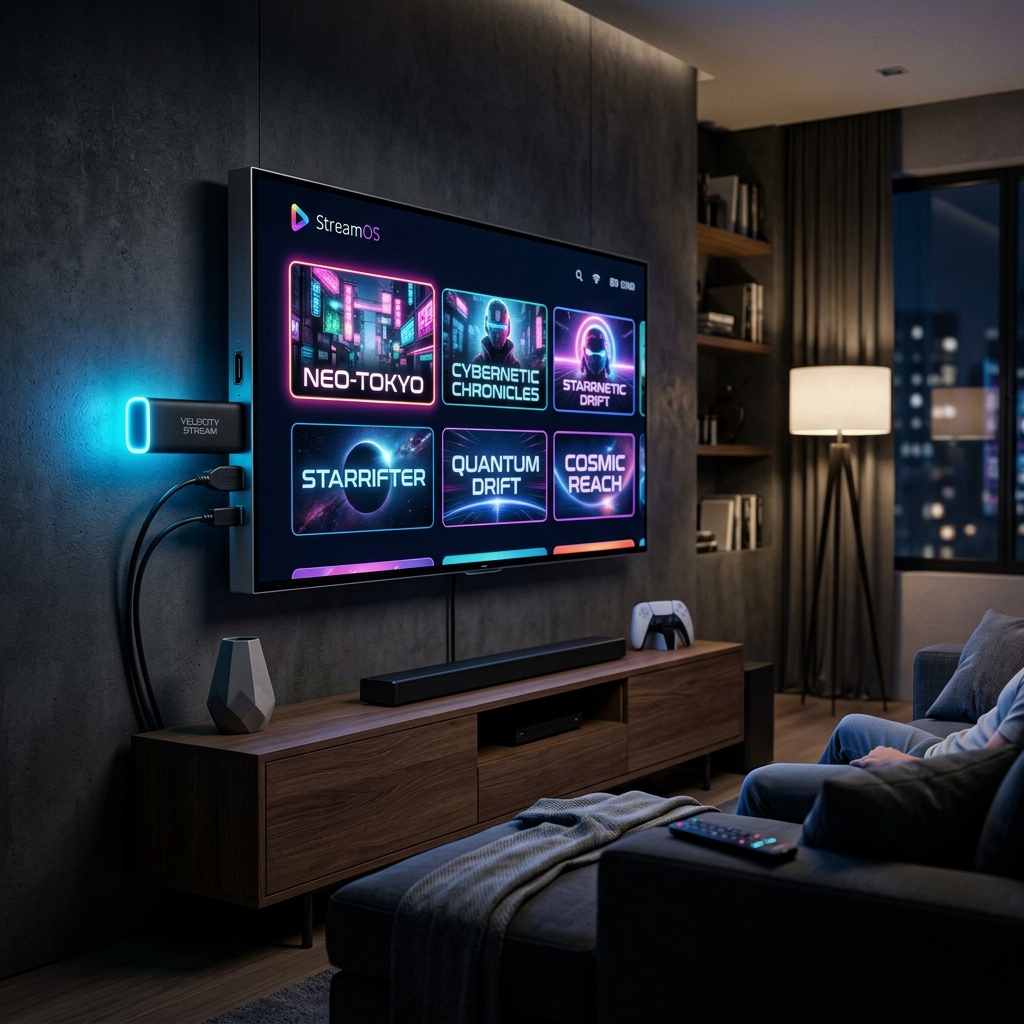
Premium Streaming Devices for the Best IPTV Experience
For home theater enthusiasts and those who demand absolutely zero compromises, the premium tier of streaming devices delivers unmatched horsepower. These devices are built like miniature computers, utilizing high-end processors, gigabit Ethernet ports, and advanced AI upscaling technologies. If you want the fastest menu navigation, the highest quality audio passthrough, and the most robust networking capabilities, investing in premium hardware is the correct path.
A premium streaming device not only elevates your daily television viewing but also significantly outlasts budget sticks. By purchasing top-tier hardware, you are effectively future-proofing your entertainment center for the next four to five years. Whether you are using a wired gigabit connection to completely eliminate buffering or taking advantage of Dolby Vision HDR, these devices represent the pinnacle of home streaming technology.
Apple TV 4K: Superior Processing and UI Smoothness
The Apple TV 4K (3rd Generation) is powered by the incredibly fast A15 Bionic chip. It offers an ad-free, exceptionally clean user interface that never stutters. When paired with high-end applications like iPlayTV or Smarters, an apple tv iptv setup provides arguably the most polished, premium viewing experience available. It is highly recommended for users already invested in the Apple ecosystem.
NVIDIA Shield TV Pro: The Ultimate Android Powerhouse
Widely regarded as the greatest android tv box for iptv ever created, the NVIDIA Shield TV Pro boasts the Tegra X1+ processor and 3GB of RAM. Its standout feature is AI-enhanced upscaling, which algorithmically sharpens 720p or 1080p live TV feeds to near-4K resolution in real-time. With dual USB ports and true Gigabit Ethernet, it is the uncompromising choice for hardcore streaming enthusiasts.

Smart TVs vs Dedicated Streaming Devices
A common misconception among new subscribers is that a newly purchased Smart TV negates the need for external streaming hardware. While it is entirely possible to download an IPTV application directly to your Samsung Tizen or LG webOS television, this approach often yields a subpar experience over time. Television manufacturers prioritize display panel technology, frequently cutting corners on the internal processing chips and memory required to run complex, third-party streaming applications smoothly.
Furthermore, built-in Smart TV operating systems are notorious for becoming sluggish and bloated after just one or two years of software updates. Unlike an external device that can be easily and affordably replaced, upgrading a sluggish television interface requires buying an entirely new TV. For the best, most consistent performance, separating your display from your processing hardware is always the expert recommendation.
The Limitations of Built-In Smart TV App Stores
The proprietary app stores found on LG, Samsung, and Vizio televisions are highly restrictive. They often lack the most highly-rated, feature-rich IPTV players that are readily available on Android TV or Apple tvOS. You are frequently forced to use mediocre applications that struggle to handle massive channel playlists, resulting in frustrating crashes, missing EPG data, and a generally inferior user experience.
Why External Hardware Prolongs Your Television Lifespan
By delegating the heavy computational lifting to a $50 Firestick or a premium Apple TV, your television functions simply as a monitor. This prevents the TV's internal processor from overheating and drastically extends the usable lifespan of your expensive display. When the streaming hardware inevitably becomes obsolete in a few years, you simply swap out the small HDMI device rather than replacing the whole television.
How to Choose the Right Device for Your Needs
Selecting the best hardware ultimately depends on your specific household viewing habits, your internet infrastructure, and your budget. Before making a purchase, evaluate the physical location of your television. Is it close enough to your router to utilize a hardwired Ethernet connection? If so, investing in a device with a built-in Gigabit Ethernet port, like the NVIDIA Shield Pro or the premium Apple TV 4K model, will drastically optimize your 4K streaming reliability by eliminating Wi-Fi interference.
Alternatively, if you are outfitting a secondary television in a guest bedroom or kitchen, a budget-friendly Firestick 4K Max or Chromecast is more than sufficient. Remember that your hardware is only as good as your internet connection. Ensure you have adequate broadband speeds and consider reading our guide on IPTV basics if you are just starting your cord-cutting journey.
Assessing Your Current Home Theater Setup
Take stock of your existing ecosystem. If your home is filled with iPhones, iPads, and HomePods, the Apple TV 4K will integrate flawlessly, allowing you to use your phone as a remote or seamlessly cast content. If you utilize an Android phone and prefer highly customizable open-source software, an Android TV box or Chromecast will align perfectly with your technical preferences.
Making the Decision Based on Your Technical Comfort Level
If you prefer a plug-and-play experience with zero technical tweaking, the Apple TV 4K offers the most straightforward, refined user interface. If you enjoy side-loading applications, customizing your home screen, and tweaking advanced video decoding settings, the NVIDIA Shield Pro or an Amazon Firestick provides the open-ended freedom required to craft a highly personalized media center.

Ready to Test Your New Device?
Once you've selected the perfect hardware for your setup, pair it with a premium television service. Krooz TV offers thousands of live channels, vast on-demand libraries, and buffer-free performance.
View Pricing Plans