Struggling with your IPTV Smarters Pro setup? The good news is that configuring this powerful media player takes less than five minutes once you have the correct credentials from your provider. In this comprehensive guide, we will walk you through exactly how to install and optimize the application for a flawless 4K streaming experience.
Why Choose IPTV Smarters Pro?
Before diving into the configuration, it is important to understand why this application dominates the market. IPTV Smarters Pro is not a service provider itself; rather, it is a highly advanced media player designed to read and organize the content provided by your IPTV subscription. The app features a stunning, intuitive interface that mimics traditional cable television while offering vastly superior functionality.
According to recent industry analytics, over 60% of all streaming cord-cutters utilize Smarters Pro as their primary player due to its robust support for Electronic Program Guides (EPG), multiple audio tracks, and integrated subtitles. It handles massive Video on Demand (VOD) libraries effortlessly, organizing thousands of movies into clean, easily navigable categories.
Step 1: Downloading the Application
The installation method depends entirely on your device. For Android TV boxes, smartphones, and tablets, the application is frequently available directly through the Google Play Store. However, if you are using an Amazon device, you will need to manually sideload the software. We highly recommend reading our detailed guide on how to install IPTV on Firestick if you are setting up an Amazon device, as it covers the crucial "Downloader" application process.
For Smart TVs (Samsung Tizen or LG WebOS), simply search for "IPTV Smarters Pro" within your television's native app store and click install. The application is incredibly lightweight and will not consume significant storage space on your device.
Step 2: Choosing Your Login Method (Xtream Codes API)
Once you launch the application for the first time, you will be presented with several login options. The most reliable and efficient method is the Xtream Codes API. Avoid the "Load Your Playlist or File/URL" option, as manually entering long M3U links frequently leads to typos and broken Electronic Program Guides.
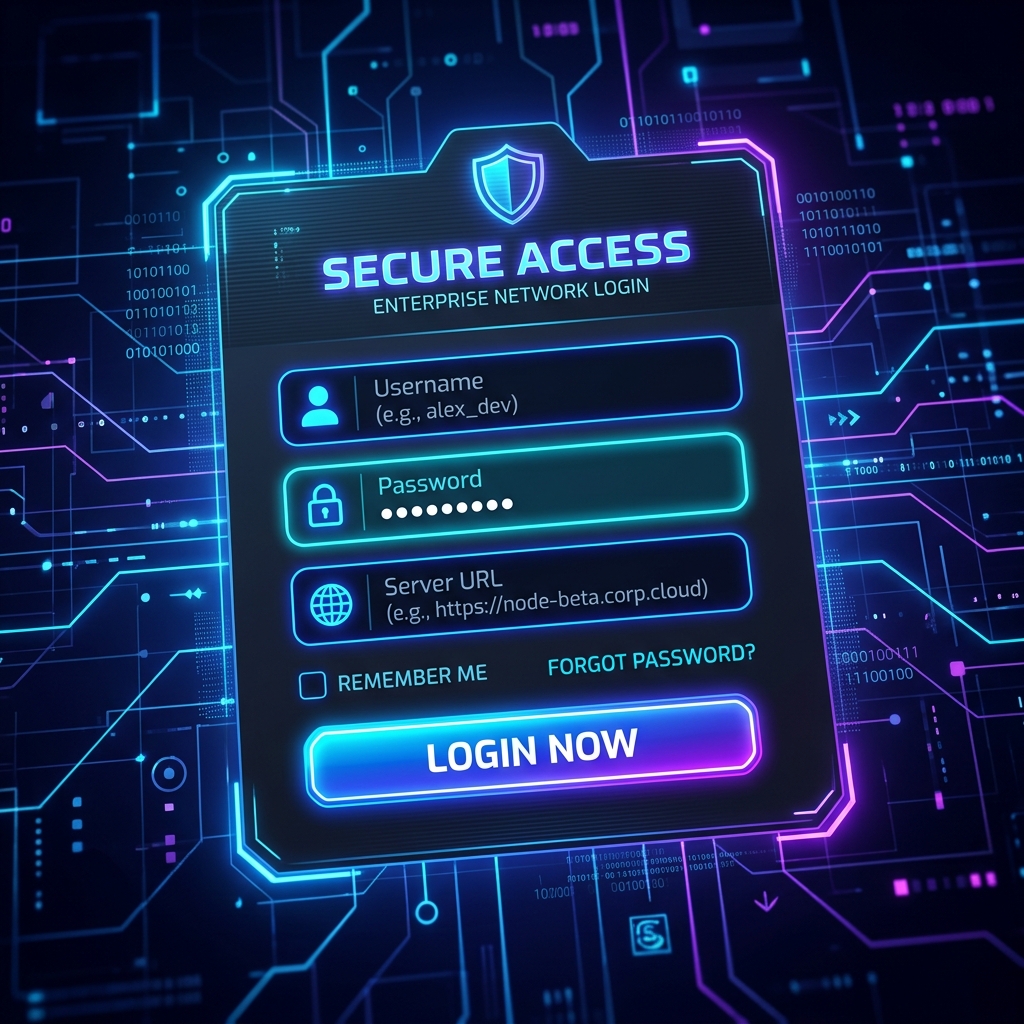
When you subscribe to a premium service like Krooz TV, you will receive an email containing four critical pieces of information: a Username, a Password, and a Server URL (Portal). Select "Login with Xtream Codes API" to proceed to the secure credential screen.
Step 3: Entering Your Credentials
On the login screen, carefully input the details provided by your host. The first field simply asks for a profile name; you can type anything here (e.g., "Krooz TV Premium"). The remaining three fields—Username, Password, and URL—must be entered exactly as provided, as they are completely case-sensitive.
After clicking "Add User," the application will immediately begin downloading the channels, VOD library, and series data from the server. Depending on the size of your provider's database, this initial synchronization may take up to two minutes. Once complete, you will be greeted by the stunning main dashboard.
Step 4: Optimizing Settings for 4K Streaming
To guarantee a cinematic experience, you must configure the internal media player. Navigate to the settings menu (the gear icon) and select "Player Selection." Ensure that the hardware decoder is enabled for all video formats. This offloads the heavy lifting to your device's graphics processor, which is absolutely essential if you want to watch live sports in buttery-smooth 60 frames per second.
If you experience any sudden lag during high-action scenes, it is usually a network issue rather than a player configuration issue. You can learn how to permanently resolve these network bottlenecks in our guide on how to stop IPTV buffering.
| Optimization Setting | Recommended Value | Primary Benefit |
|---|---|---|
| Hardware Decoder | Enabled | Forces the device GPU to process 4K video, preventing stuttering and lag. |
| Auto-Update EPG | Every 1 Day | Ensures your television guide remains perfectly accurate without manual refreshing. |
| Player Engine | ExoPlayer (V2) | Provides superior compatibility with multiple audio tracks and embedded subtitles. |
Frequently Asked Questions
Yes, the core application is completely free to download and use. However, it does not contain any built-in content. You must purchase a subscription from a legitimate IPTV provider to populate the app with live television and movies.
An invalid details error almost always indicates a typo in your Xtream Codes credentials. Double-check your Username, Password, and Server URL. Ensure there are no accidental blank spaces at the end of the server URL, which is a common mistake.
Yes, IPTV Smarters Pro is available directly on the Apple App Store. Simply search for the application, install it, and use the exact same Xtream Codes API login method described in this guide.
Ready for Premium Content?
Your IPTV Smarters Pro setup is only as good as the service provider feeding it data. If you are tired of dealing with free, buffering M3U lists or unreliable resellers, it is time to upgrade your home theater. Experience true 4K resolution, a massive VOD library, and 99.9% server uptime. Head over to the Krooz TV pricing page to secure your premium subscription today and unleash the full potential of your smart TV.