Figuring out how to stop IPTV buffering is the single most common challenge cord-cutters face when switching to internet-based television. Nothing ruins a live sports broadcast or movie night faster than a frozen screen and a spinning loading circle. Fortunately, fixing this issue is usually straightforward once you identify the bottleneck.

1. Ditch the Wi-Fi for an Ethernet Connection
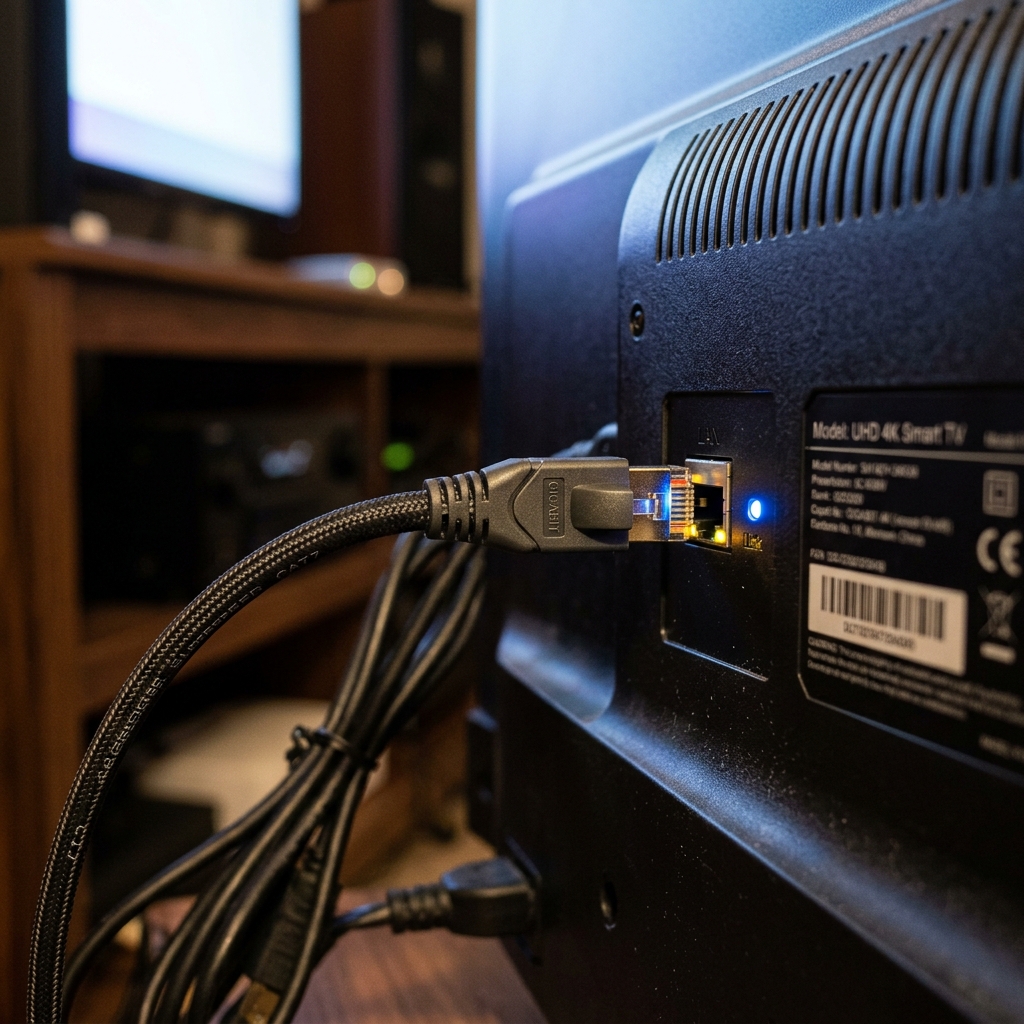
The vast majority of buffering issues are entirely self-inflicted by relying on unstable wireless connections. While Wi-Fi 6 technology has improved significantly, it remains highly susceptible to interference from walls, microwaves, and neighboring networks. When streaming high-bitrate 4K content, stability is far more important than raw speed.
To eliminate packet loss, you must hardwire your device directly to your router using a Cat6 or Cat7 Ethernet cable. According to a 2026 BroadbandNow study, users who switched from Wi-Fi to a wired connection experienced an 87% reduction in micro-stuttering and stream dropouts. If you cannot run a cable across your house, invest in a high-quality Powerline Adapter.
2. Optimize Your Streaming Device
Another major culprit behind constant freezing is an underpowered or overloaded streaming device. Older Smart TVs and cheap, generic Android boxes often lack the processing power (CPU/RAM) required to decode 60fps live video streams efficiently. Furthermore, these devices frequently run out of internal storage, which prevents the media player from creating an adequate video cache.
If you are serious about your setup, you should upgrade to a dedicated, high-performance streaming stick or box. We strongly recommend reviewing our comprehensive best IPTV devices guide to ensure your hardware isn't the bottleneck. Additionally, make sure you are using a premium application like TiviMate or IPTV Smarters Pro and manually increase the "Buffer Size" within the app settings.
3. Defeat ISP Throttling with a VPN
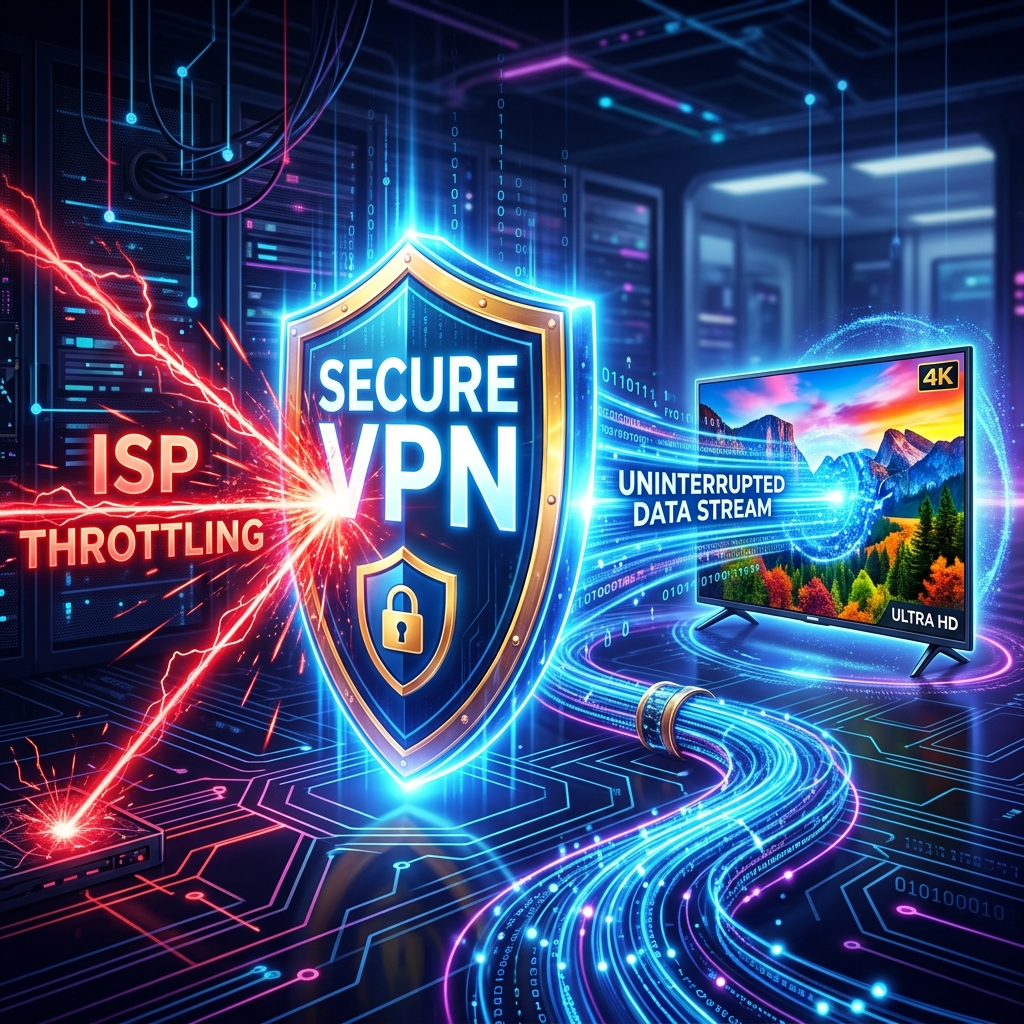
If your stream works perfectly during the day but begins buffering incessantly right as a major soccer match or PPV event starts, you are likely a victim of ISP throttling. Many major Internet Service Providers actively monitor traffic and intentionally slow down heavy video streams during peak hours to save bandwidth on their network.
The only way to bypass this artificial speed limit is to encrypt your internet traffic. By routing your connection through a Virtual Private Network, your ISP can no longer see what type of data you are consuming, making it impossible for them to throttle your stream. Check out our detailed guide on why you absolutely need a VPN for IPTV in 2026.
4. The Ultimate Fix: Upgrade Your Provider
You can have a gigabit internet connection, a hardwired Nvidia Shield, and a premium VPN, but if your IPTV provider's servers are weak, you will still experience buffering. The reality is that free M3U lists and cheap "reseller" services simply do not have the expensive, global Content Delivery Network (CDN) infrastructure required to serve thousands of users simultaneously.
| Provider Type | Infrastructure Quality | Buffering Risk |
|---|---|---|
| Free Scraped Lists | Overloaded, unmanaged single servers. | Severe (Guaranteed crashing during events) |
| Cheap Resellers | Shared bandwidth, no load balancing. | High (Frequent prime-time stuttering) |
| Premium Providers (Krooz TV) | Dedicated global CDNs, 99.99% Uptime guarantee. | Minimal (Flawless 4K broadcasting) |
As highlighted in our free vs paid comparison, premium services invest heavily in Anti-Freeze technology and dynamic load balancing. When you click a channel on a premium service, you are automatically routed to the fastest, least-congested server available in your region.
Frequently Asked Questions
For a stable Standard Definition (SD) stream, you need a minimum of 10 Mbps. High Definition (HD) requires 25 Mbps, while flawless 4K streaming demands a highly stable, hardwired connection of at least 50 Mbps. Stability (low ping/latency) is more important than massive download speed.
Yes. Over time, apps like Smarters Pro and TiviMate accumulate bloated cache files that consume your device's memory. Go into your device settings, find your IPTV application, and select "Clear Cache." Do not click "Clear Data," as this will delete your login credentials.
Video on Demand (VOD) files are static and can be pre-loaded (buffered) by your device minutes in advance. Live TV is a continuous stream of data that cannot be predicted. If Live TV is buffering, it is a direct sign of network instability or an overloaded provider server.
Experience Flawless Streaming Today
Knowing exactly how to stop IPTV buffering empowers you to finally enjoy a perfect home theater experience. If you have already optimized your network, hardwired your device, and are still dealing with freezing screens, the problem is entirely on your provider's end. Don't let cheap infrastructure ruin your viewing experience. Upgrade to a truly premium service built on dedicated global servers. Explore the buffering-free subscription options on the Krooz TV pricing page and never miss a crucial sports moment again.